BÜRO SEIT 2001
ZT-BÜRO SEIT 2009
EINFAMILIENHAUS NÖ, 2009
WOHN- UND ATELIERHAUS NÖ, 2010
WOHNUNGSEINRICHTUNG 1010 WIEN, 2011
BAURECHTLICHE UND SICHERHEITSTECHNISCHE GUTACHTEN WIEN, 2012
STEUERBERATERKANZLEI 1010 WIEN, 2012
FOTOARCHIV 1050 WIEN, 2012
BAURECHTLICHE UND SICHERHEITSTECHNISCHE GUTACHTEN WIEN, 2013
REIHENHÄUSER 1220 WIEN, 2013
MASSAGESALON 1010 WIEN, 2013
WOHNUNGSUMBAU 1120 WIEN, 2013
BAURECHTLICHE UND SICHERHEITSTECHNISCHE GUTACHTEN WIEN, 2014
WOHNBAUSTUDIEN WIEN, 2014
BAURECHTLICHE UND SICHERHEITSTECHNISCHE GUTACHTEN WIEN, 2015
WOHNBAUSTUDIEN WIEN, 2015
BAURECHTLICHE UND SICHERHEITSTECHNISCHE GUTACHTEN WIEN, 2016
WOHNBAUSTUDIEN WIEN, 2016
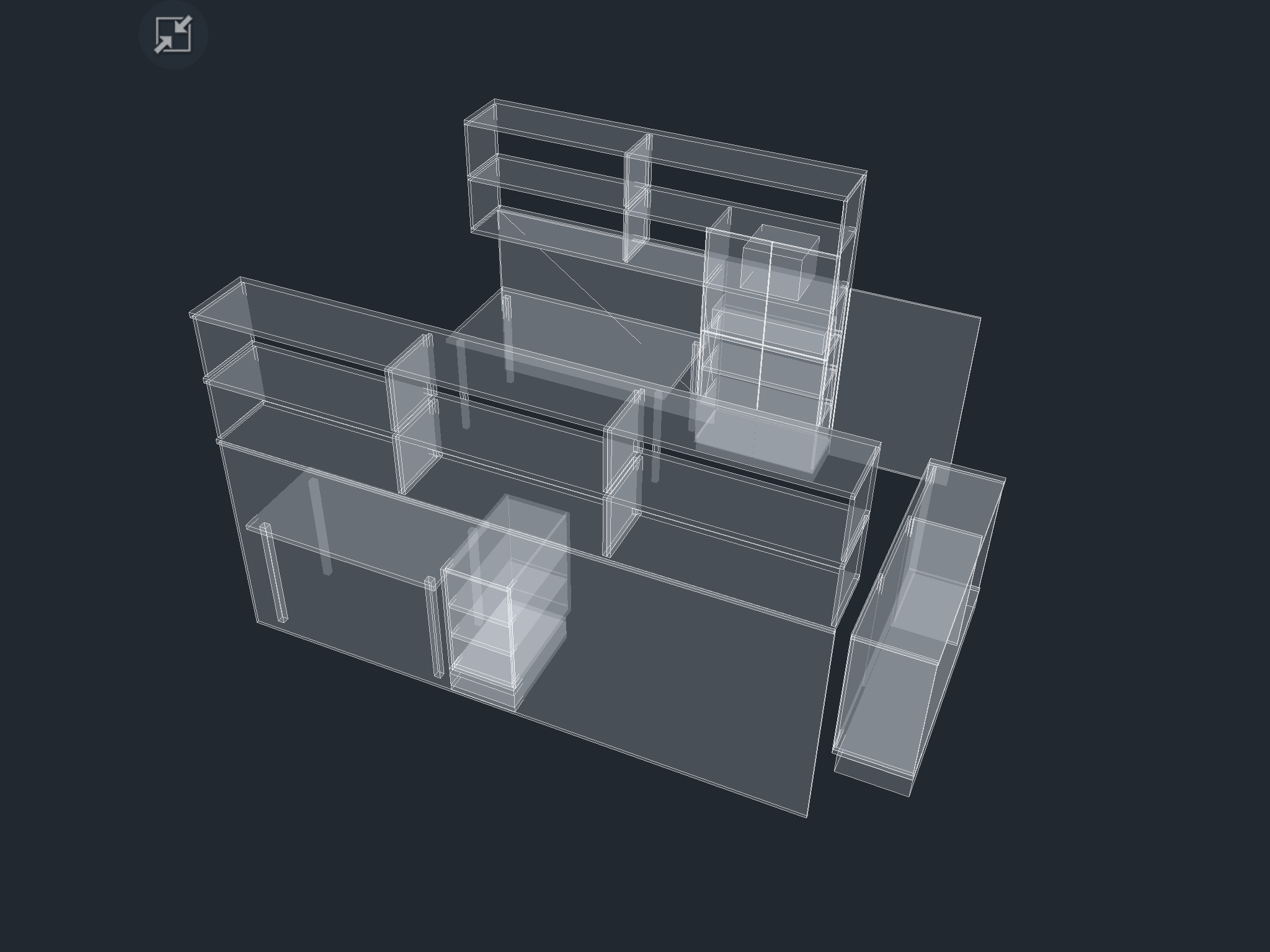
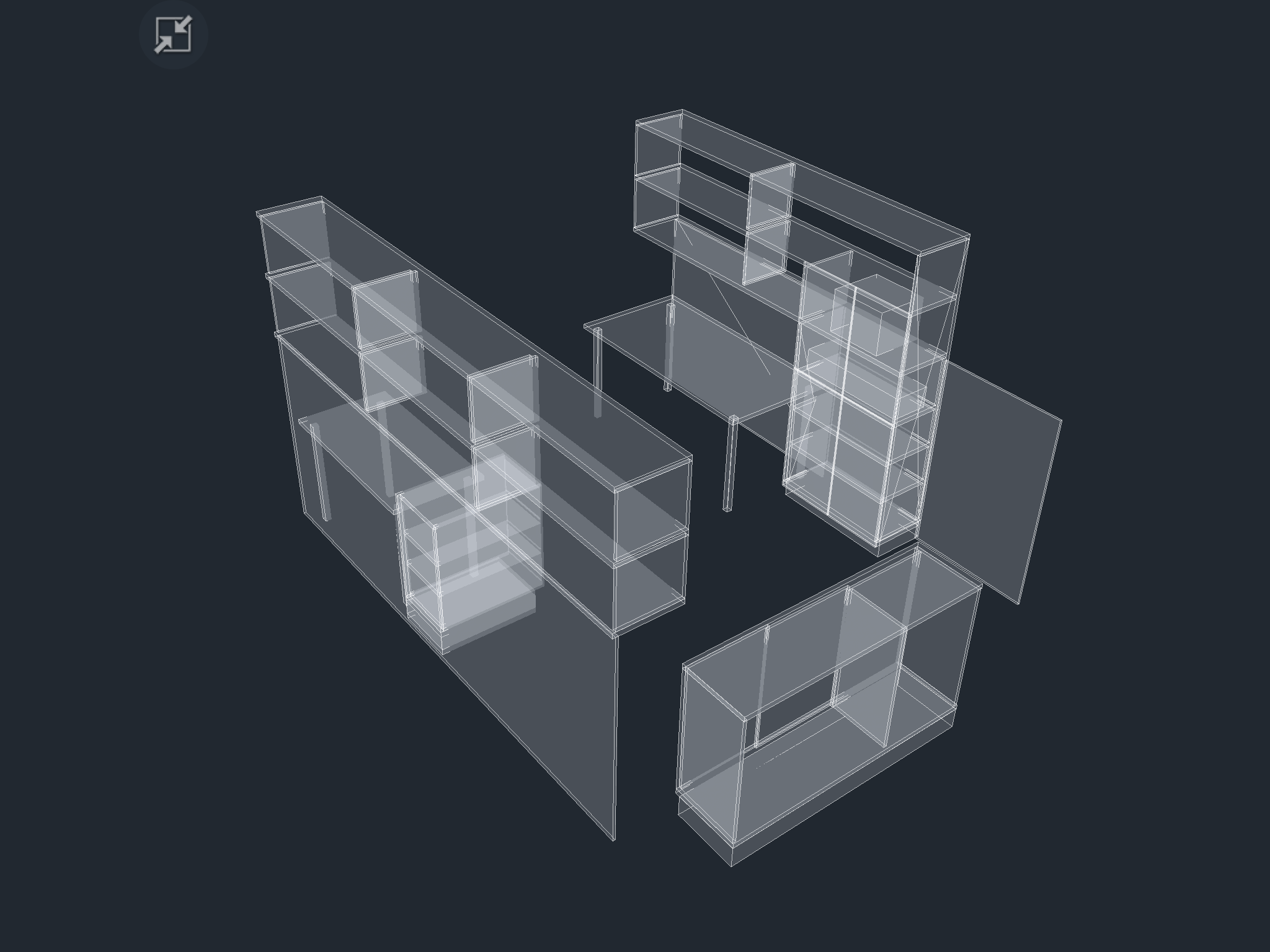
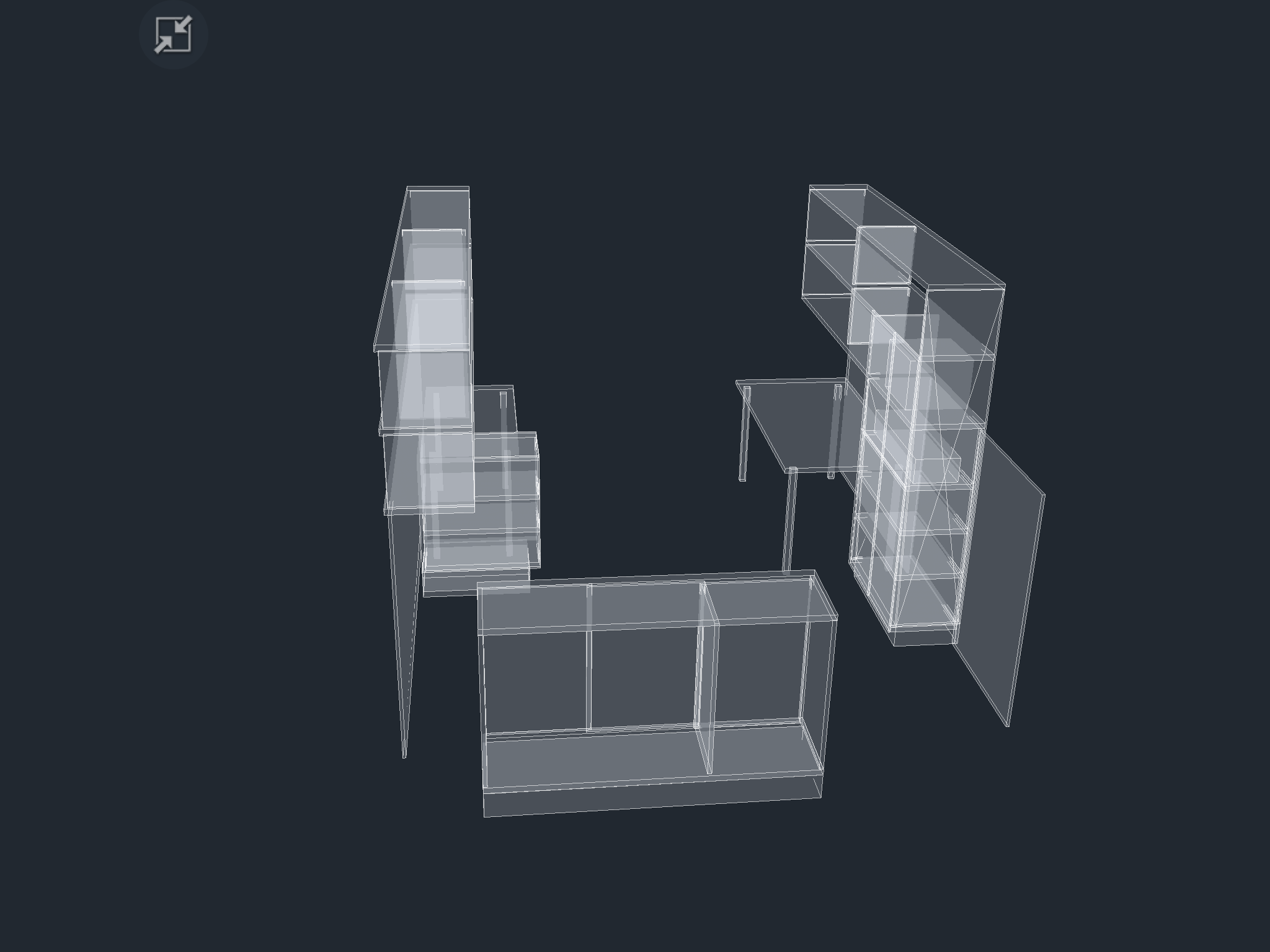
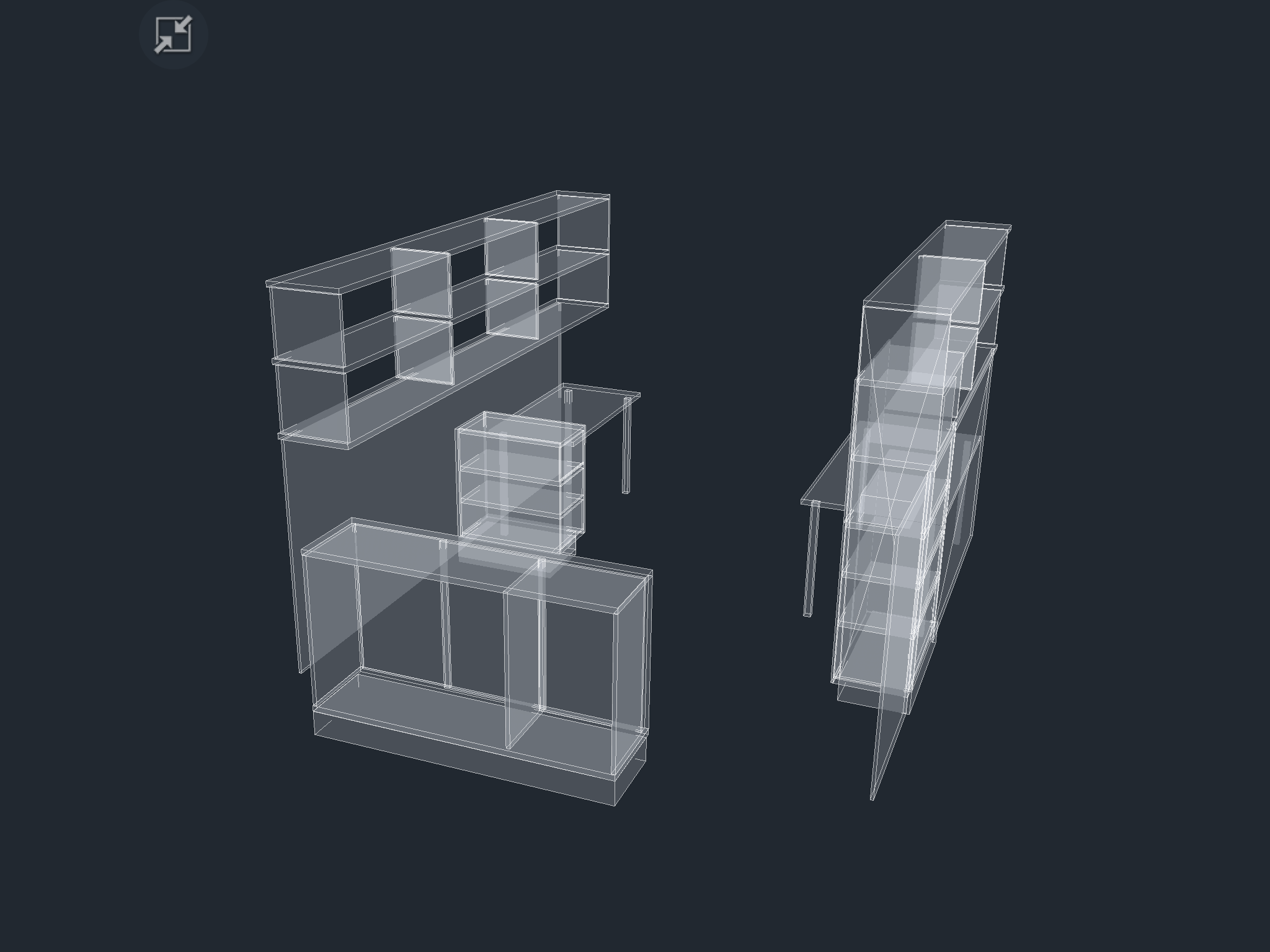
BÜROEINRICHTUNG 1230, 2017
WOHNBAUSTUDIEN WIEN, 2017
DACHBODENAUSBAU 1010, 2018
WOHNBAUSTUDIEN WIEN, 2019
WOHN-, SIEDLUNGS-, BÜRO- UND INDUSTRIEBAUTEN
NEU-, ZU- UND UMBAUTEN
BAUEN IM BESTAND, SANIERUNGEN.
GRUNDSTÜCKSAUSWAHL
MACHBARKEITSSTUDIEN
MATERIALBEMUSTERUNG
FARBKONZEPTE
GENERALPLANUNG
GENEHMIGUNGSVERFAHREN
VORENTWURF, ENTWURF, EINREICHUNG UND AUSFÜHRUNGSPLÄNE
GEWERBEGENEHMIGUNGEN
MÖBLIERUNG
DETAILPLÄNE
PROTOTYPENENTWICKLUNG
DIE ÖRTLICHE BAUAUFSICHT ÜBERNIMMT DIE PFLICHTEN DES BAUHERREN VOR ORT